
Ancestry.com is one of the most popular websites for family tree research. It is also one of the worlds largest online resources containing billions of records, ranging from birth, deaths, marriages and census, through to military, immigration, schools and criminal records.
Getting access to these records will require a membership subscription, however you can get started for free, with limited access, and often your local library or your local Family History society will provide access allowing you to explore even further before you commit any money to the project.
One of the great things about Ancestry.com is the ability to connect with others researching the same areas of interest through Member Connect and through Message Boards. Member Connect activity should show on your Ancestry home page. if not, you can customise your home page and add that module. Message Boards are accessed through the drop down menu under the Help tab.

connect with people researching in the same area of interest or same family line as you.
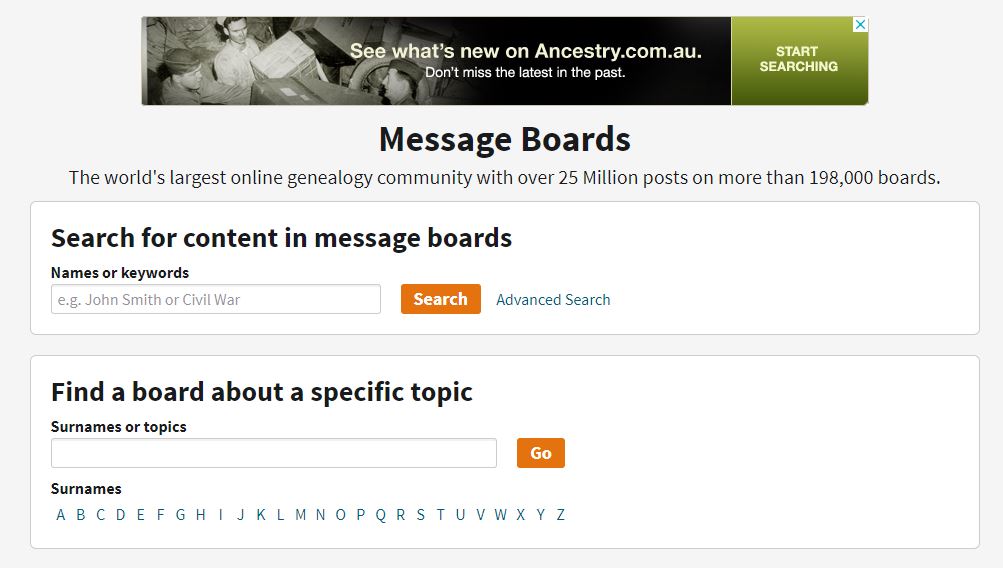
Use Message Boards to
connect with people researching in the same area of interest or same family line as you.
Ancestry.com’s Academy contains a wealth of information to help you get started. You can get access to it under the Extras tab. I found the Tips and Tricks really helpful in learning the basic skills needed to manage a tree.

Ancestry.com allows you to set the Privacy settings on any tree you create. If you set a tree to Public, other members of Ancestry.com can view your tree, and copy information from your tree to their own trees. If you set a tree to Private, other members may see notifications of people or records you have in your tree, but they can’t access them without contacting you and getting your permission first. If you don’t want your tree to appear in the search index, check “Also prevent your tree from being found in searches”.
Information about living people is automatically hidden and won’t be displayed in the search index, whether a tree is public or private.
If you want to collaborate with other Ancestry members, you can invite them to have access to your tree. You control the levels of access here.
Guests can view and add comments to a family tree. They cannot view living people.
Contributors can view add comments, photos and stories to a family tree. They cannot remove content or edit existing tree content, and they cannot view living people unless you grant that permission.
Editors can view and add comments, photos, and stories to a family tree. They can also remove and edit existing content. Editors can automatically view living people.
If you find useful records on Ancestry, make sure you download a copy of the record to your computer and save it. Saving them to a person in a tree is really just saving a link, and you won’t be able to see that record if you don’t continue with an Ancestry subscription. Some records can not be saved to your computer. In this case, I recommend capturing a screen shot and saving that.